Bring your own audio
Import MP3, M4A, WAV, and other iOS-supported audio files. Your listening library stays beside your decks.
Listen closely, follow the transcript, save useful language with its original sound, then recall and speak it later. Poly connects the whole loop.
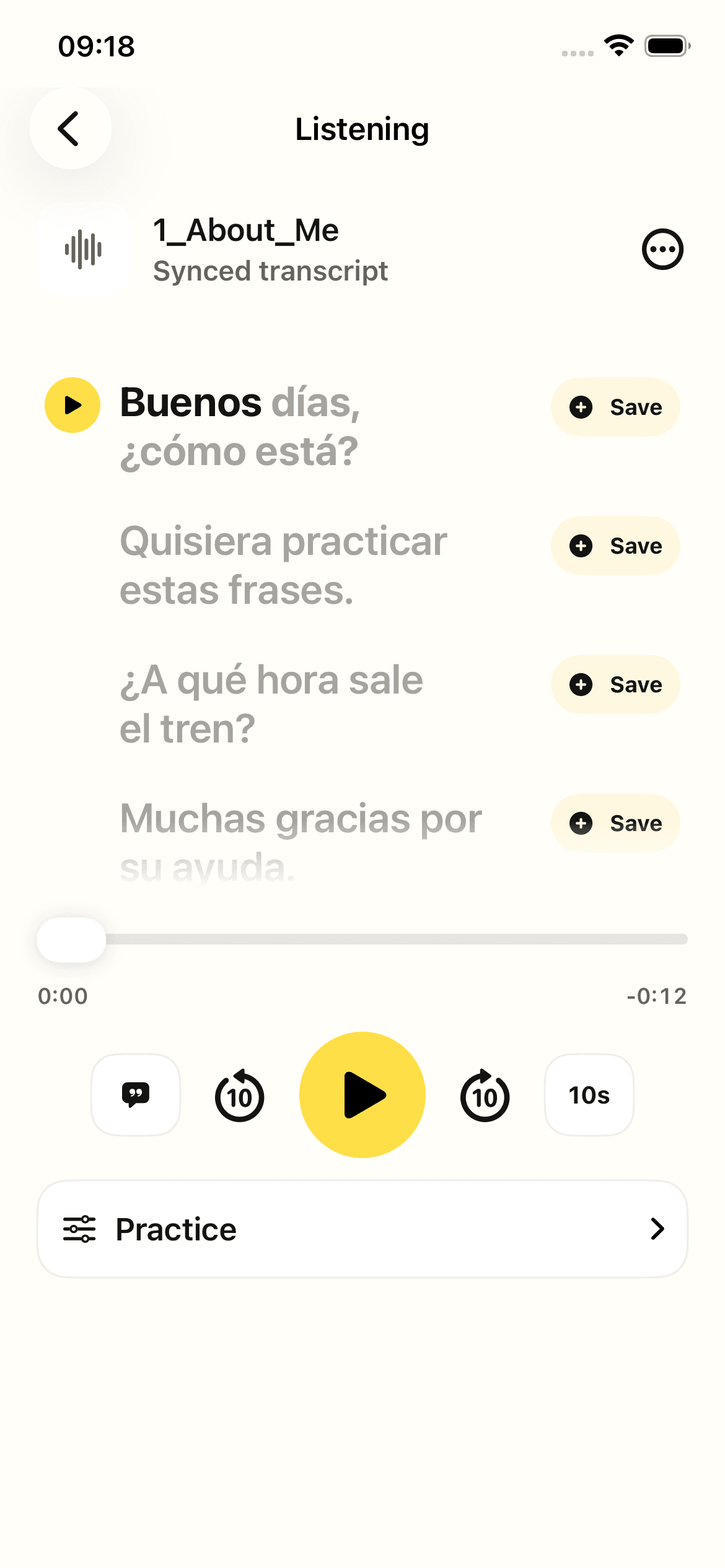
Player, transcript, vocabulary tracking, sentence mining, repetition, and speaking practice work on one screen.

Import MP3, M4A, WAV, and other iOS-supported audio files. Your listening library stays beside your decks.
Create a timed transcript from audio, paste your own text, or import LRC, SRT, VTT, and plain-text files.
Slow speech down or speed it up. Set skip length, jump backward or forward, and mark precise A–B loops.
Poly follows timed lines while audio plays. Tap any transcript line to hear that exact moment again.
See familiar, learning, and new words inside each transcript, with a live familiarity score for the lesson.
Save a line as a card with its sentence, timestamp, source lesson, and exact audio clip.
Practise the active sentence automatically without dragging the playhead back yourself.
Listen, record yourself, and replay your attempt to compare rhythm, stress, timing, and clarity.
Save words or complete sentences with meaning, source lesson, timestamp, and exact audio attached.
Practise understanding, producing, listening, dictation, typing, and speaking from the same material.
FSRS and Smart Review bring language back when recall needs work—not whenever a rigid lesson says so.
Import one conversation, podcast clip, class recording, or voice note. Poly turns repeated listening into language you can remember and use.
Get Poly